
Your first task
Do one small guestbook change together with an agent, from a local issue to a tested preview, a reviewed diff, and a commit you can find again.
Do one visible change together with an agent, in a project you can explore freely. The included hob example project is a tiny guestbook with HTML, CSS, and JavaScript, three starter issues, and a short commit history. No dependencies or build step are needed for the app itself.
The agent works in view beside you. It opens the app, makes the change, and tests it in the page while you watch. You answer its questions, review the result, and decide when to commit. hob keeps the record. Before starting, install hob and an agent through setup.
Create the example
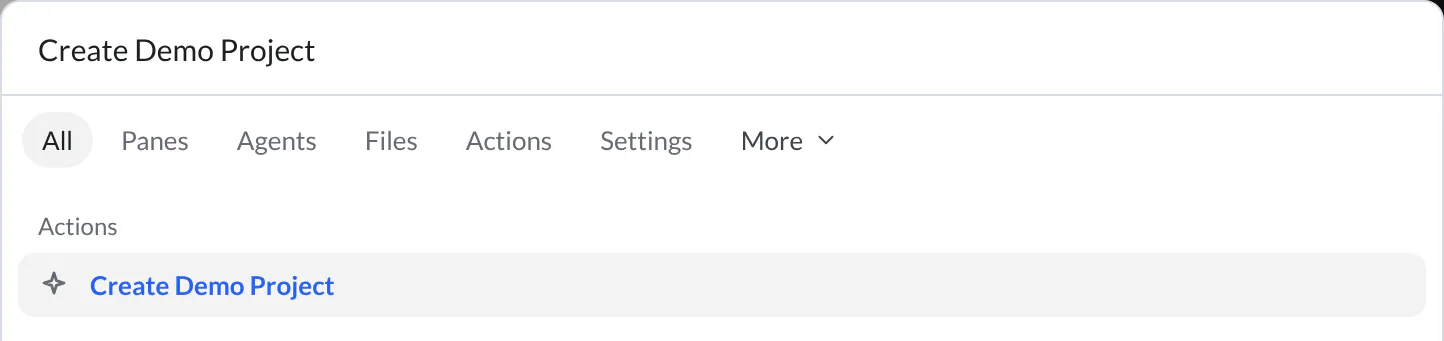
Open the command palette from Search or run a command at the top of hob. Search for Create Demo Project and choose that command. hob opens the example as its own project, keeping the exercise separate from your other work.
The Files Dock shows index.html, style.css, app.js, and the project notes.
Open README.md if you want the project tour. Opening the example again
keeps your existing edits; its README explains how to start fresh.
See the app
Open an agent pane. Before sending its first message, use the backend chip to choose Claude Code, Codex, OpenCode, or Grok Build for this pane. Then ask it to bring the app into view:
Ask your agent
You should see the note form and three fictional starter notes. Keep the preview beside the agent so the result stays visible as you work. The Browser previews guide explains file watching and how to open the HTML yourself.
Hand the agent an issue
Open Issues from the tool rail. In the local list, select the checkbox beside Show a character counter for notes, then choose Send to agent. Read the issue's acceptance criteria: update while typing or pasting, keep the 280-character limit, reset after submission, and check both themes.
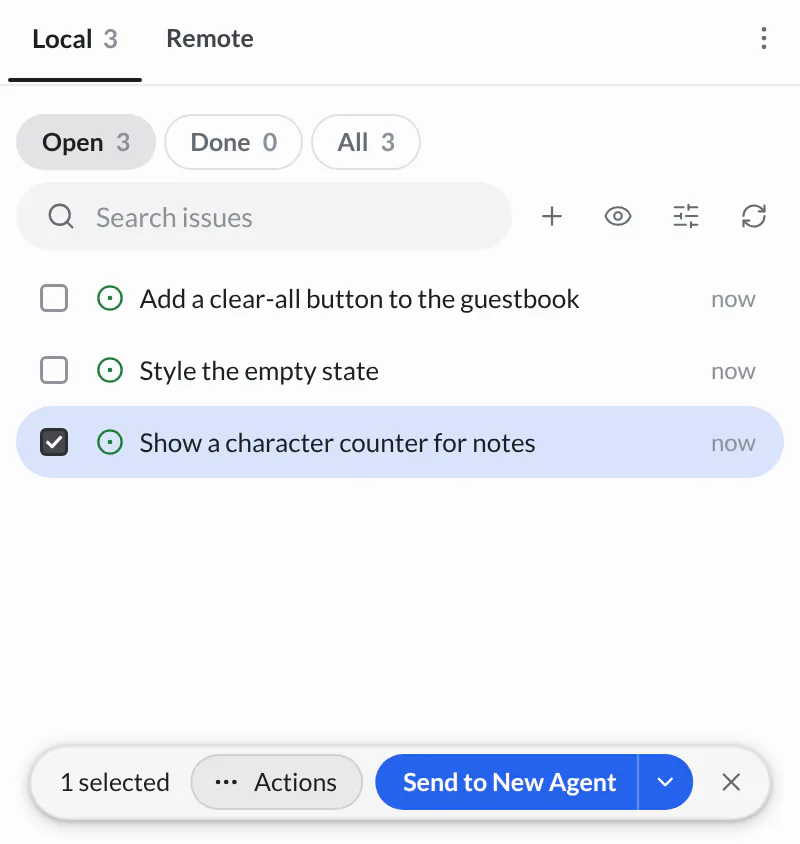
The handoff creates an agent for the issue. Depending on your issue start-mode setting, it begins immediately or lets you add context first. This is the same workflow you can use for your own local and connected issues. Follow the assigned agent's pane, and ask it to keep the result uncommitted until you have reviewed it.
Watch, then try the change
The agent can explain its approach, ask a question, or request permission as it works. Answer the decisions that need you. When the change is ready, the preview should show a count beside the note field.
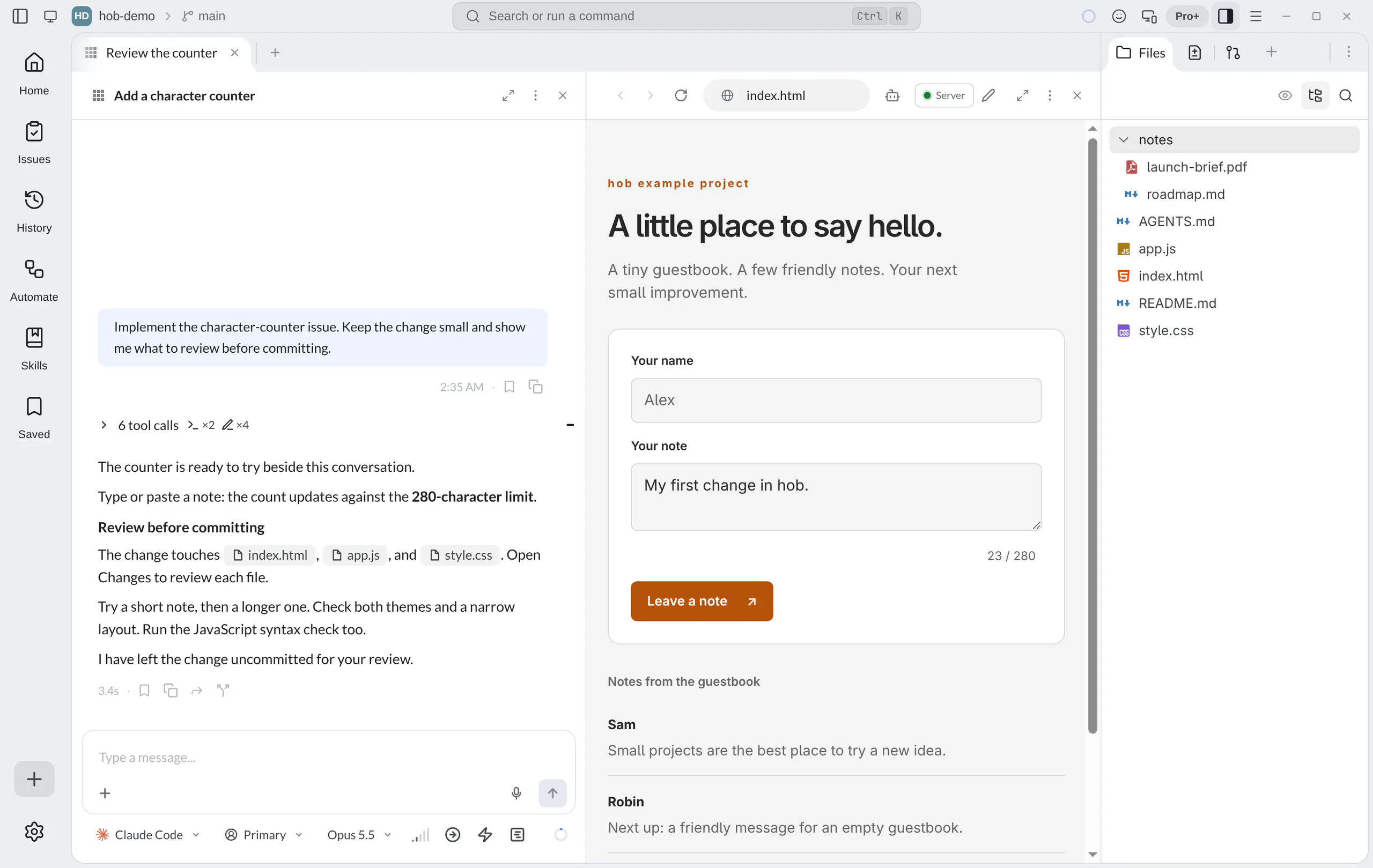
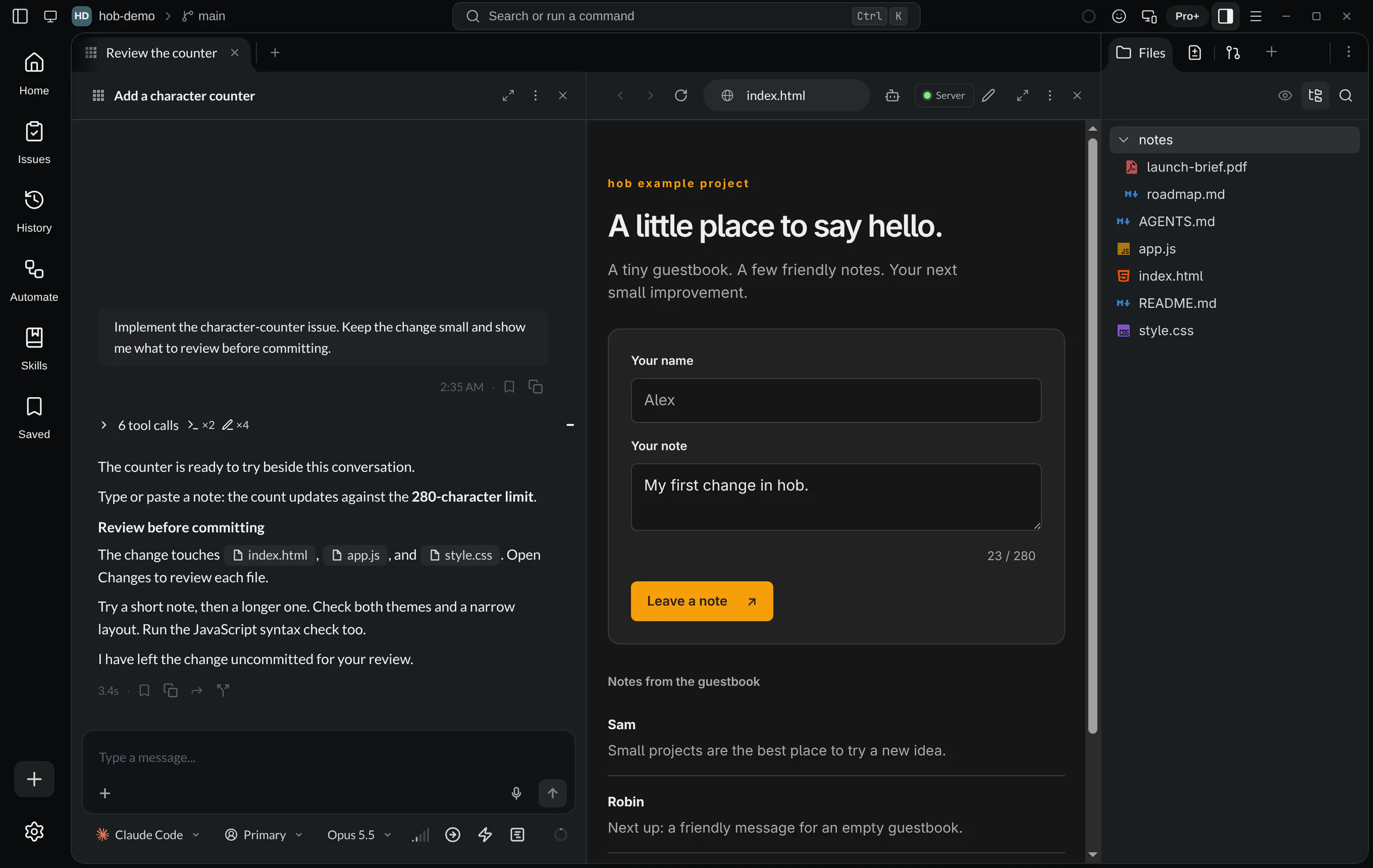
Try typing, pasting, and deleting text. Check that the count matches, the maximum stays at 280, and the form remains readable in light and dark themes. Use Mobile view, under Appearance in the pane menu, for a narrow-layout check.
Then ask the agent to test the rest while you watch:
Ask your agent
The agent uses real input in the page. To stop it, click in the page or press a key; see Agents on web pages. A working counter alone does not verify every acceptance criterion.
Working with your agent shows how an agent can point to the detail to review or offer a walkthrough when you ask.
Review the diff and run a check
Choose Changes in the Dock. Open each modified file to see what the agent changed. The example below touches the HTML, JavaScript, and stylesheet; your agent's implementation may differ.
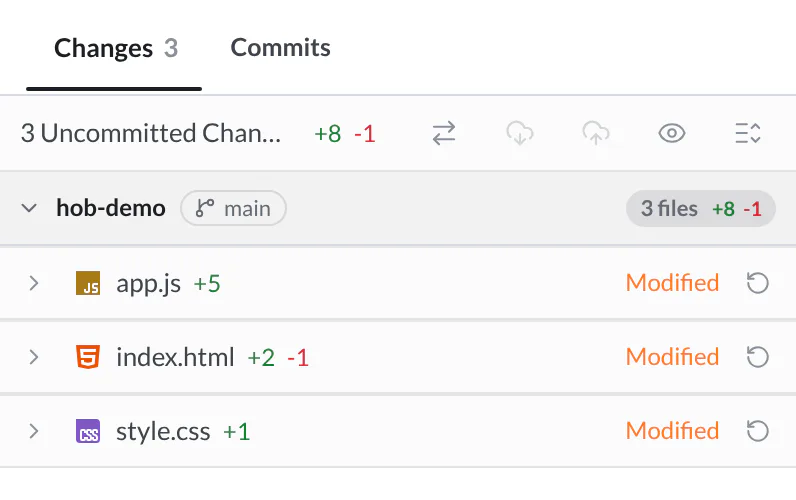
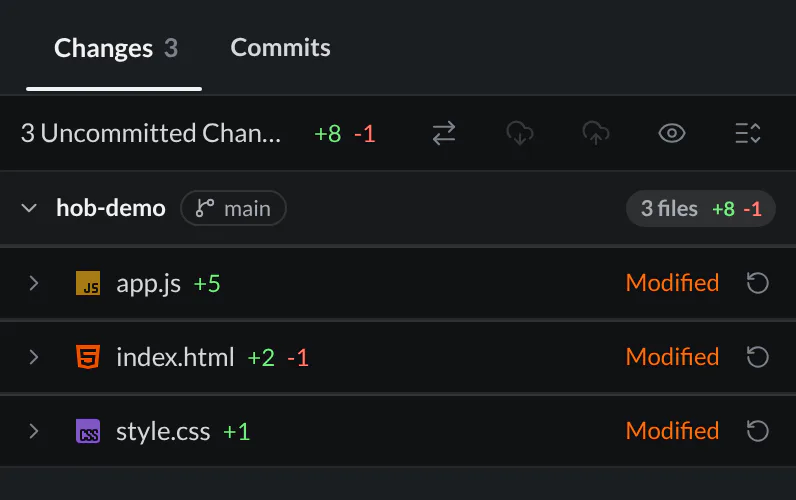
Use the Diff viewer to inspect the result. Ask about anything unexpected, including unrelated edits or dependencies.
If Node.js is installed, open a terminal and check the JavaScript syntax:
node --check app.jsSuccess normally prints nothing. It checks that JavaScript can be parsed; your preview and browser checks verify the behavior. Follow the Testing recipe for specific inputs and expected results.
Ask for a commit
Once you are satisfied with the diff and checks, ask the agent to commit:
Ask your agent
A useful message names the result, such as “Add a character counter for notes.” The agent can use hob's Git integration to link the commit to its conversation. Do not treat an unverified check as passed simply because the change is committed.
Find the work again
Open Commits in Source Control. Your new commit appears alongside the starter commits. Select it to inspect the change later.
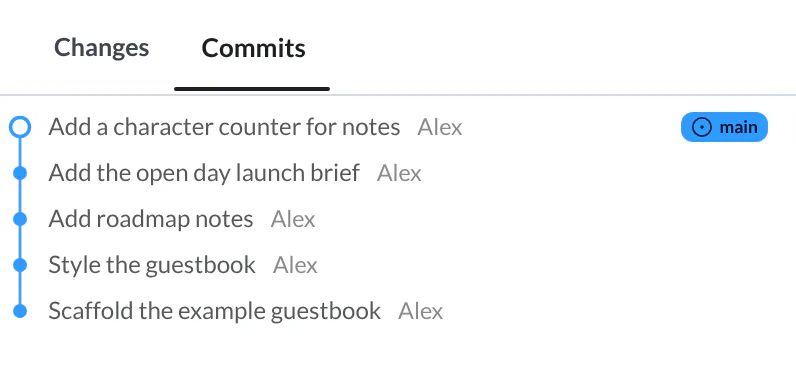
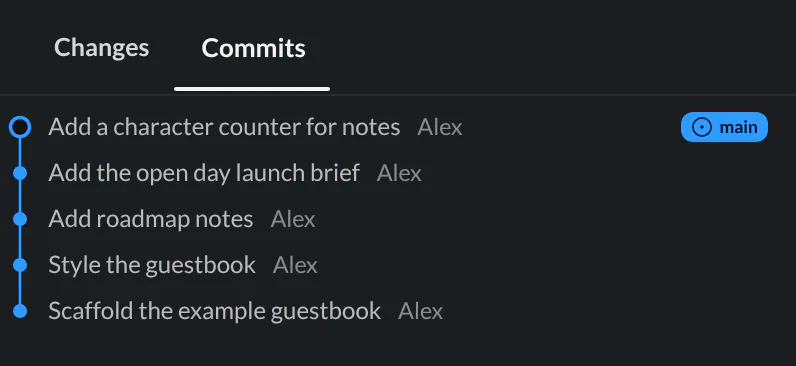
Open History from the tool rail to return to the conversation and its linked artifacts. Saved lets you bookmark a useful explanation or result. You can leave the task and recover both the change and its context when you return.
For agents
After the person approves the reviewed change, use
hob git commit -m "Add a character counter for notes" with only those changes
staged. The commit links back to your turn; include the checks performed and
anything still unverified in your reply. See
Commits and artifacts.
Next
You and the agent have taken an issue through a change, a test in the running page, a review, and a commit with its conversation context. Use the same connected workflow for another starter issue or your own project. Give a separate task its own workspace. When you repeat the same checks and review steps, save them as an automation.