
History
Find past work, reopen the relevant turn, and follow the commits and issues connected to it.
You remember the decision, but not which agent made it. Or you have a commit and want to understand the conversation behind it. History keeps those paths back to the work inside your project, across agents, terminals, and automation runs.
Use it to recover context before starting again. In the guestbook example, you can find the counter task, read the review instructions, and follow the commit and issue linked to that conversation.
Browsing history
Open History from the tool rail, or use Cmd/Ctrl+Shift+H. The feed groups
agent sessions, terminal sessions, and automation runs by day. Select All
or filter to Agents, Terminals, or Automations. In a narrow panel,
these filters appear as icons.
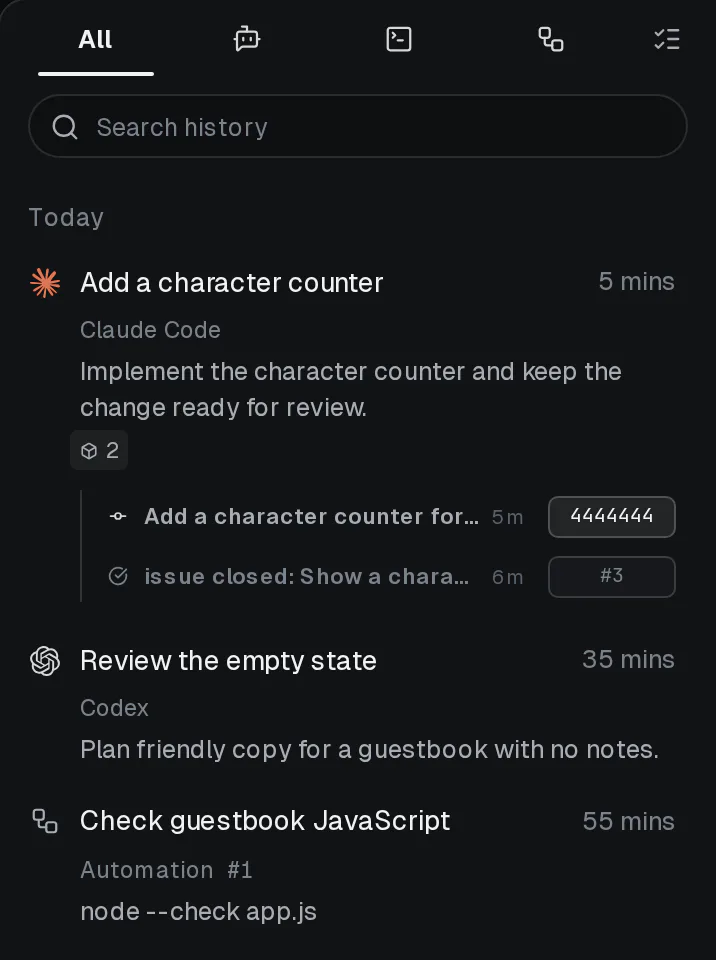
Find Add a character counter and expand its artifact badge to see the linked commit and issue:
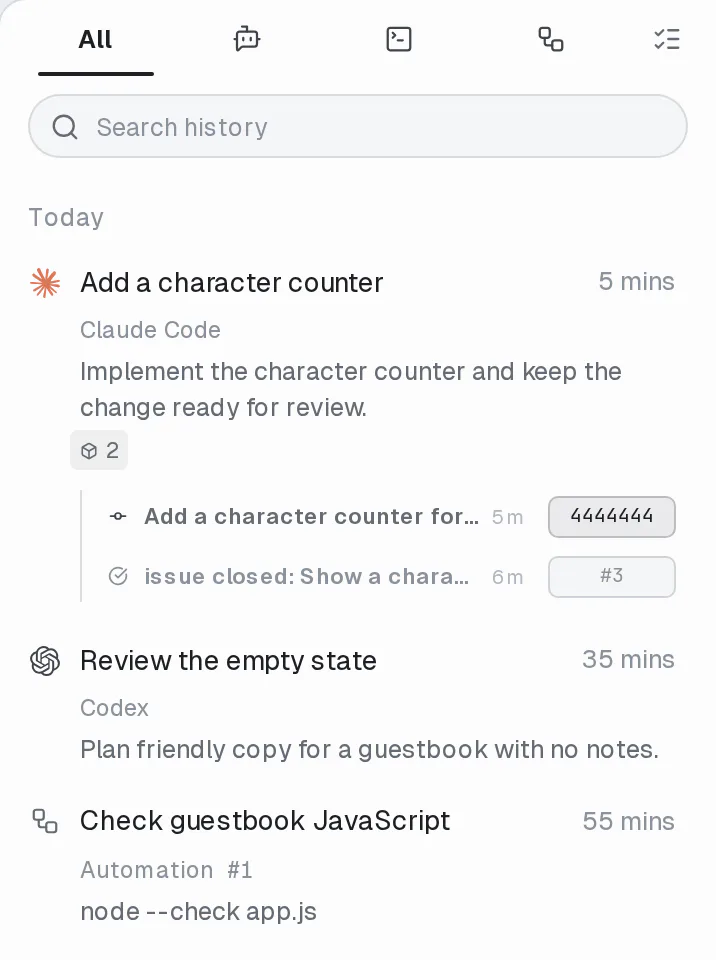
Select a session to return to its pane; a closed pane can reopen as a peek. If its worktree is gone, the conversation reopens read-only in your current environment. Select an automation run to open that run's details. History brings back saved context, not a process that survived shutting down hob.
History belongs to the project
History spans the project's windows and persists across restarts. File-viewing panes are not part of this feed. Use Saved for specific messages, commands, file locations, or layouts you deliberately want to keep handy.
Search
When the feed gets long, type what you remember into Search history.
For example, search character counter. Search checks conversation text and
terminal output, not just pane titles.
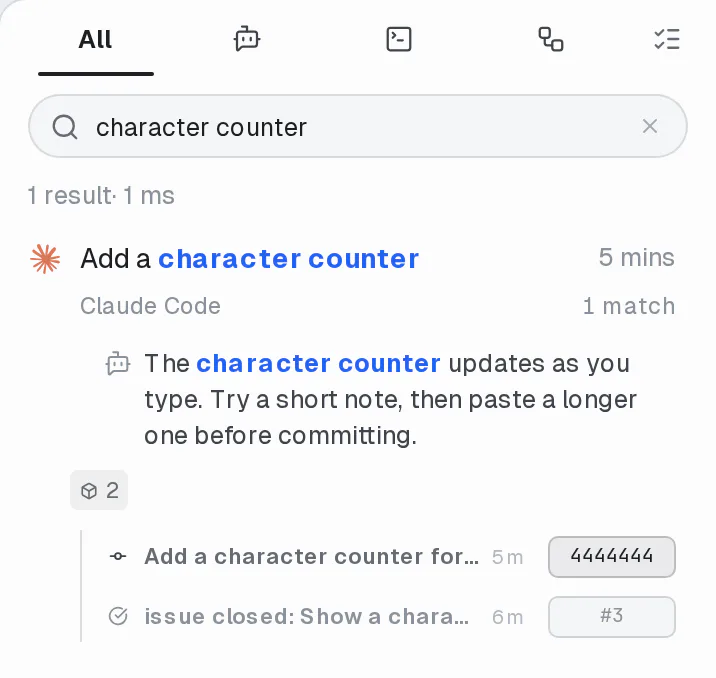
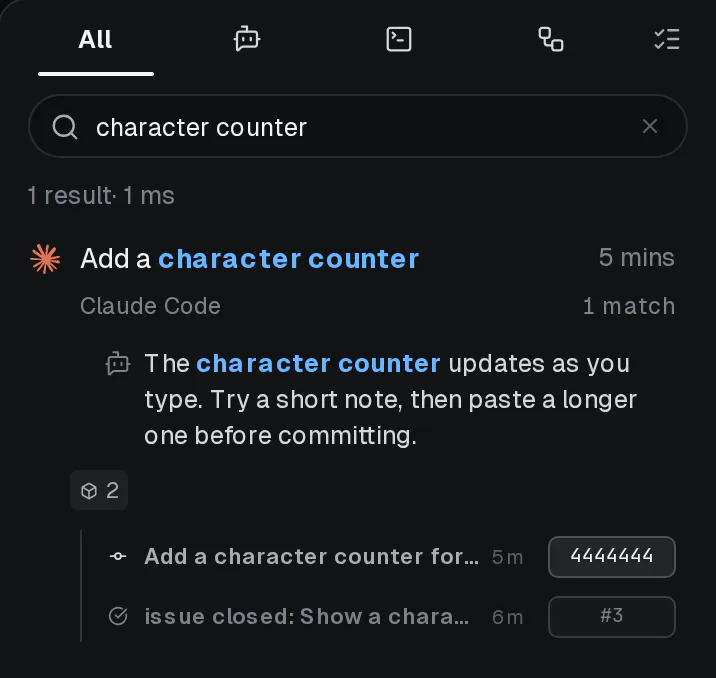
Select the matching snippet itself to jump to that point. The result shows whether the match is your message, an agent reply, or a command. When a conversation has more matches, expand them to inspect additional context.
Start with a few remembered words. Multi-word queries are forgiving: any word
can match, and conversations matching more terms rank higher. Related word
forms can match too, such as arguments and argument. Use a phrase or filter
when you need to narrow the result; the full syntax is below.
Artifacts and provenance
Expand the artifact badge under a conversation to follow what it produced or contributed to. The linked row has distinct actions:
| Select… | To… |
|---|---|
| The artifact title | Return to the linked conversation point, when available |
| A commit's hash | Open its diff |
| An issue's reference | Open the linked issue |
This helps answer “why did we change this?” and “which task led here?” A link records provenance; you still need to review the change and its checks. The counter example's closed issue and commit show the relationship between the request, the work, and the result.
See Commits, PRs, and artifacts, Issues, and Diff viewer for the next part of that review.
For agents
Agents spawned by hob can search this same history from the shell. hob search conversations
accepts the identical query grammar (plus flags like --any, --role, and --since), and
hob conversation show reads any past conversation back out of hob's database — even when the
backend's own transcript file no longer exists on disk. Ask an agent to "find that
conversation where we discussed X" and it can find it, read the surrounding context, and pick
the work back up.
For example, search the project for the remembered task:
hob search conversations "character counter"Then use an ID returned by the search to read the surrounding conversation:
hob conversation show <pane-id>Search returns matching blocks and diagnostics that help refine the query.
To return the person to the work, use hob attention pane:<pane-id> with the
relevant --location block:<block-id> and include the returned link. The
person can open the exact conversation point, including a closed pane. See
Working with your agent
for attention behavior.
Organize and return
Use a session row's menu to rename it or move it to Trash. Moving an item to Trash is undoable. Review any prompt about running work before closing or removing it. A useful pane name makes later recovery easier; a bookmark keeps one important moment directly accessible.
Use Stats to explore activity, shipping, delegation, and hours across a period, then return to History for the conversations and evidence behind a pattern.