
Accounts and profiles
Keep a conversation going on another subscription, choose different launch options, or separate work and personal setups.
Keep your workflow while choosing what runs it. hob keeps provider accounts and launch profiles close to the agent doing the work. A supported account switch lets you continue on another subscription for the same backend; an isolated profile keeps work and personal tool setups apart.
For a provider outage that needs a different backend, start a new pane and bring the recorded task context with you.
Start with the outcome you need:
| I want to… | Choose… | What stays shared |
|---|---|---|
| Continue on another subscription for the same backend | An account | Conversation history; credentials and CLI settings have their own directory |
| Launch the same tool with different defaults or flags | A variant profile | The base profile's data, login, accounts, and conversations |
| Keep work and personal tool setups apart | An isolated profile | Its backend data lives in a separate directory |
Profiles appear in the pane's backend/profile chip. Supported accounts have a separate account chip beside it. Configure them in Settings → Agents → Agent profiles, using Global scope to add profiles and accounts.
Choose the kind of continuity you need
Added accounts currently support Claude Code and Codex. They belong to one backend and share its conversation history. Switching accounts is a deliberate action, not automatic failover. To use another backend or an unrelated isolated profile, start a new agent and give it the relevant context. A variant that shares the current profile's data can resume the same conversation.
Accounts: multiple subscriptions, shared conversations
Use an account when you want another subscription available to the same conversations. For example, keep the guestbook review open and select a second subscription before sending the next request.
Add an account
Open the profile's accounts
In Settings → Agents → Agent profiles, choose Global, expand the backend's profile card, and select + Add account. For a variant profile, manage accounts on its base profile; both use the same account pool.
Review the new directory and shared history
Give the account a recognizable name. Leave Config dir blank to use the suggested path, or choose the intended directory. The preview explains where hob will keep this account's login and settings, and which conversation directory it will link to the base profile.
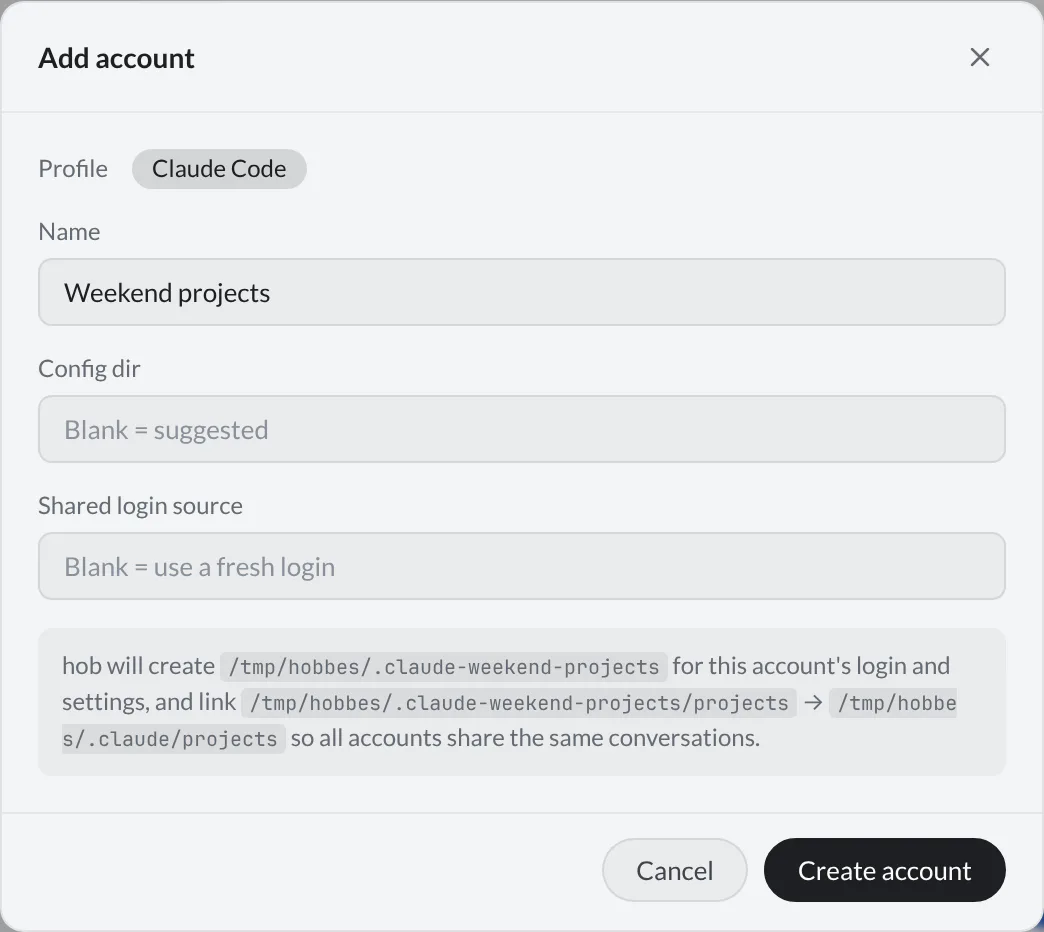
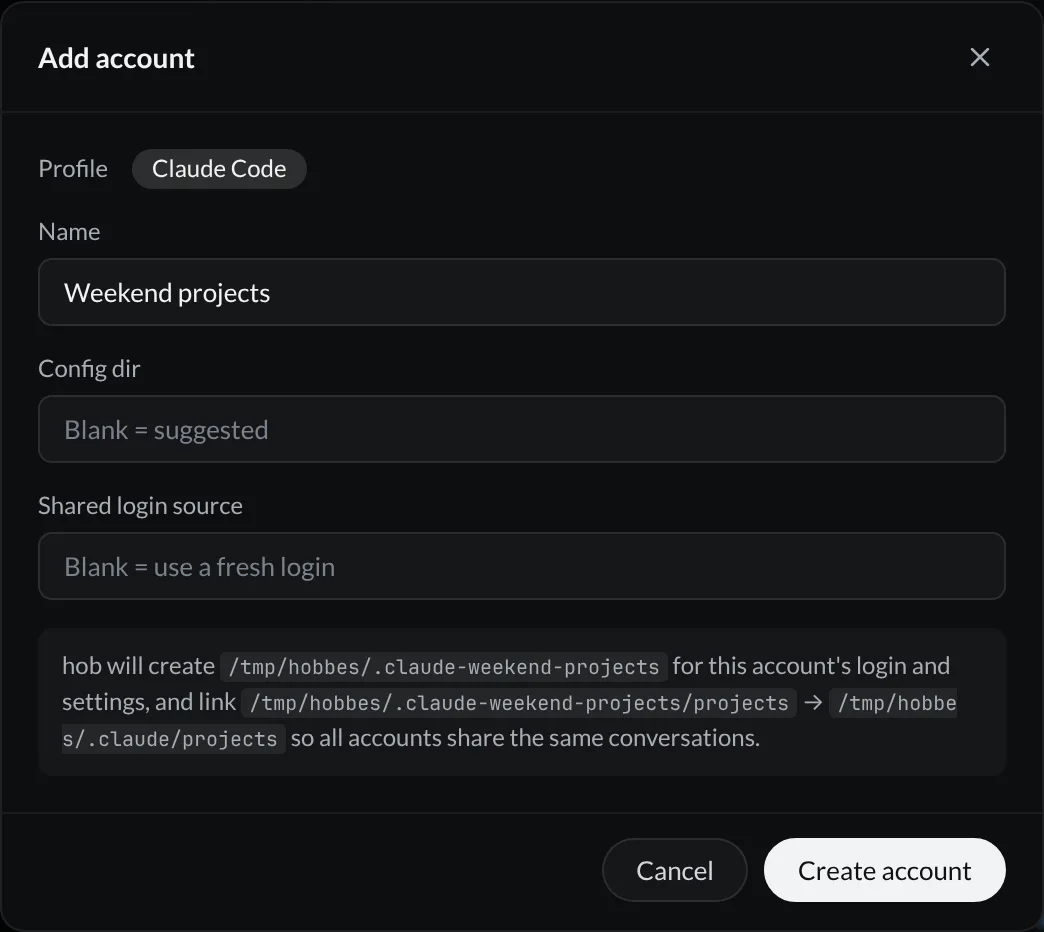
Leave Shared login source blank for a fresh login. If you already have a login in another config directory, you can point to it here instead. hob copies the credential file and keeps the linked credential copies in sync; this is ongoing login sharing, not a one-time import. The preview identifies the source before you confirm.
Create it and sign in
Select Create account. For a fresh login, copy the Login command shown in the dialog and run it in a terminal. That command targets the new account's configuration directory, so you sign in to the intended account.
hob checks the directory and conversation link before offering the account. If your filesystem cannot create the required directory links, account setup is unavailable and the settings explain why.
Switch the pane's account
Open the account chip beside the backend chip, or press Alt+C with the pane
focused. Select the account for the next request. The conversation resumes
with that account because both accounts use the same conversation history.
Different panes can use different accounts at the same time.
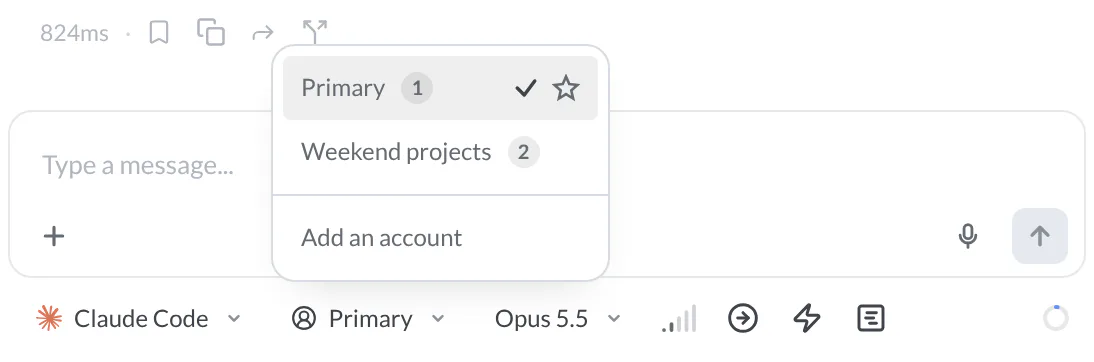
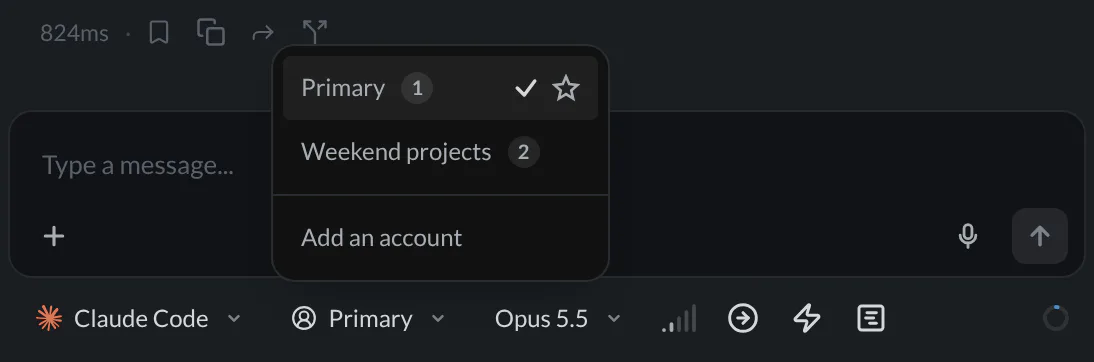
The profile's original login is Primary, unless you rename it. The star in the picker sets the default account for new panes at the selected global or project scope; choosing an account for this pane and setting a default are different actions. Variants inherit their base profile's account default until you set one specifically for the variant.
Removing an account from hob removes its registry entry, not its configuration directory or login files. Account settings are initially seeded from the base profile or shared login source; sharing history does not mean every later CLI setting change is synchronized between account directories.
Variant profiles: same data, different behavior
Use a variant profile when the login and conversations should stay the same, but the way you launch the agent should differ. “Claude Code · fast drafts” might use different model defaults or CLI flags from your usual setup.
In Settings → Agents → Agent profiles, select + Add profile. The New backend dialog opens. Under Type, choose Variant, enter a name, and select the Base backend whose data it should use.
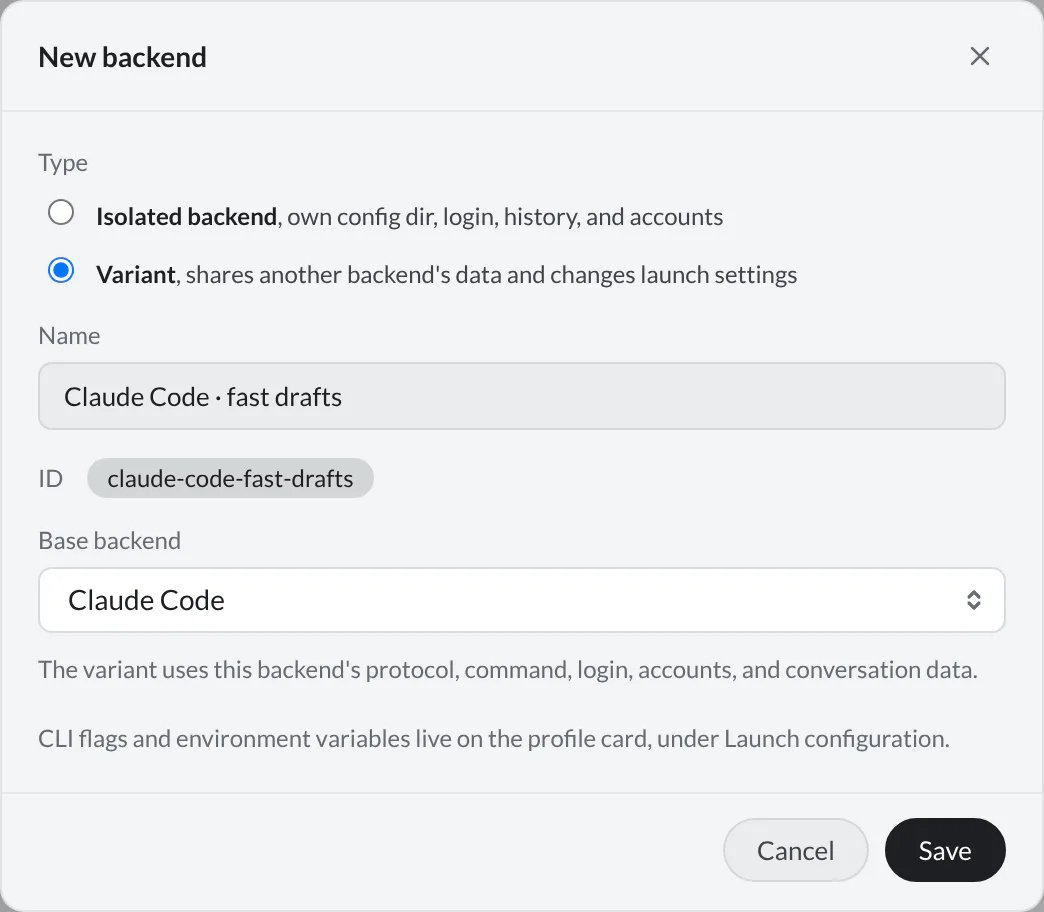
Save the profile, then set its model, Fast mode, personality, and launch defaults on the profile card; see Settings.
A variant uses the base profile's protocol, command, login, accounts, and conversation data. You can switch between compatible variants in an existing pane; the new launch configuration applies when the conversation resumes. The pane's selected account stays with it.
Set up an isolated profile
Choose an isolated profile when the tool's data should stay apart: personal and client logins, separate CLI configuration, or distinct backend conversation histories. For example, “Claude Code · client work” can use its own config directory while your everyday profile keeps its existing one.
This isolates backend data. It does not create another project checkout or make the agent's file access a sandbox. Use worktree workspaces for separate checkouts, and configure permissions and sandbox restrictions for the work the agent is allowed to perform.
An isolated profile carries its own MCP configuration; a variant shares the base configuration. Check the pane's selected profile when a tool is missing.
Add a backend profile
In Settings → Agents → Agent profiles, select + Add profile. Keep Type → Isolated backend, enter a descriptive name, and choose the Protocol: Claude, Codex, or OpenCode.
Review Config dir. Set Command if you need a particular executable; otherwise hob uses the backend's normal command. Save the profile.
Sign in to each account
Run the tool's login flow against that profile's config directory. A login in the default directory does not automatically sign in a separate isolated profile. Keep the profile name and directory clear so you know which setup you are opening.
For example, in bash or zsh, launch Claude Code with the directory you selected:
CLAUDE_CONFIG_DIR=~/.claude-client claudeFor Codex use CODEX_HOME=~/.codex-client codex; for OpenCode use
OPENCODE_CONFIG_DIR=~/.config/opencode-client opencode. Substitute your
profile's actual directory. In PowerShell, set the corresponding environment
variable in that terminal before launching the tool, for example:
$env:CLAUDE_CONFIG_DIR = "$HOME/.claude-client"
claude
Then choose the profile in a new agent pane. Set its defaults and additional launch options on its settings card.
For agents
Open new work with the configured backend/profile and registered model the
person selected. hob pane open agent --backend <profile-id> --task "<task>"
creates the agent with its assignment. Use hob pane set --help for supported
settings on existing panes; account selection must stay compatible with that
conversation's backend data.
When changing backends, open a new pane and reference the original so the new agent can recover context. Keep login and subscription choices with the person; show the appropriate settings or login command instead of asking for credentials in chat.
Models
Use Settings → Agents → Models to add a model ID or hide models you do not use. Curation belongs to the backend protocol, so its profiles and variants share the available model list.
Register an ID before choosing it in a pane, hob mobile, or an agent-opening
CLI command such as hob pane open agent --model <id>. Entering a new ID in a
profile's model default also registers it. Registration makes the ID available
in hob's pickers; the backend and account still need access to that model.
Hiding a model tidies the picker without changing panes already using it. You can unhide it later. If hob's built-in registry gains an ID you registered, the built-in entry takes precedence and your custom copy is marked accordingly.
Per-project defaults
Profiles are available globally. Switch Settings to the project scope when one repository should use different defaults: for example, the client-work profile for a client repository, with a particular model and effort.
These are defaults for new agents, not a request to migrate every existing conversation. You can still choose supported settings for each pane. See Settings for scope and inheritance.