
Saved
Keep the moments worth returning to, and reopen the workspace layouts that help you work.
An agent gives you a useful explanation. A command captures the failure you need to investigate. A review needs your attention after another task is done. Saved keeps those moments within reach, in the project where they belong.
Bookmark the exact message, command, file lines, or pane, then add a note about why you kept it. When you return, hob takes you to the source. The same panel also holds named workspace layouts you can reopen without arranging everything again.
Bookmarks
Save the moment
In the guestbook task, save the agent's review instructions before switching to another workspace. Hover the reply and select its Bookmark icon beside Copy.
The bookmark saves immediately and opens an editor. Give it a useful title, such as Review the counter before committing, and a note: “Try pasted text, both themes, and a narrow window before approving the commit.” Choose a folder if you want to group it with other guestbook work.
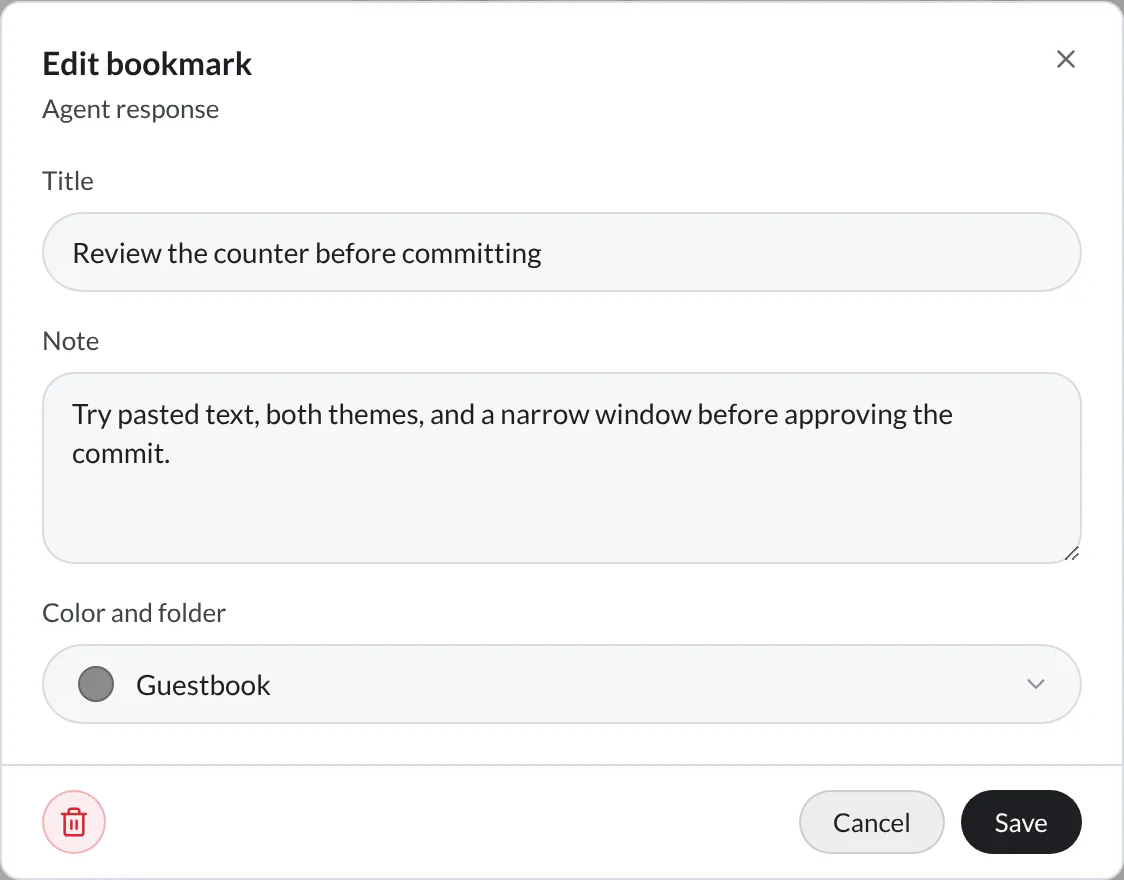
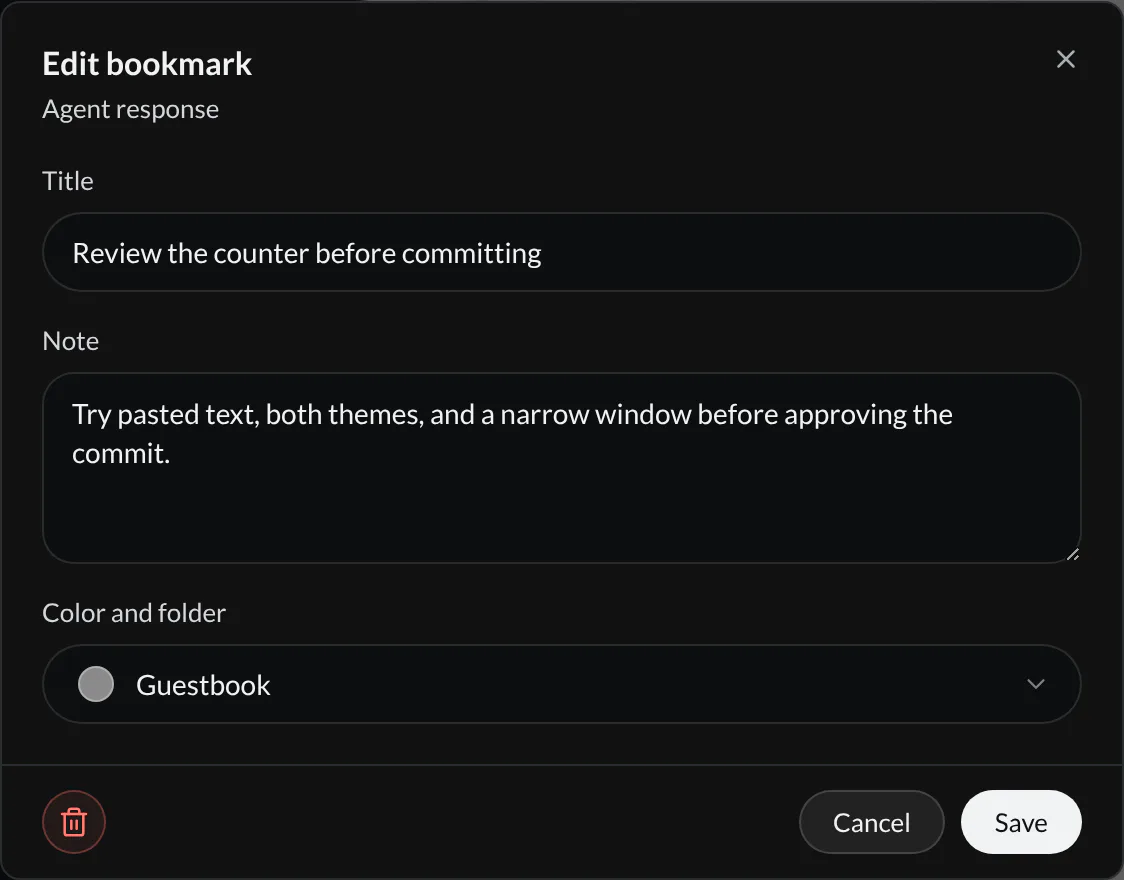
Select Done when first saving, or Save when editing an existing bookmark. The filled bookmark icon opens its details again. Closing the editor does not remove an already saved bookmark; use its Trash button to remove it.
Keep the right amount of context
Choose the smallest useful target so you can return directly to the work:
| Save… | Where to find Bookmark |
|---|---|
| An agent message or tool block | The block's action row beside Copy |
| A terminal command and its output | The command block's actions |
| One or more code lines | Select the lines in a code pane, then choose Bookmark selected lines in the selection popover. Every line in the range gets a dotted underline; hover any line for the bookmark card |
| A whole pane | The pane header |
For example, save a failing check as a command bookmark when its output matters; save the agent's explanation when you want to revisit the reasoning.
Come back to it
Open Saved from the bookmark icon in the tool rail. The Bookmarks tab starts on Open. Select the review item's title or preview to jump back to the saved reply, including reopening a closed pane when its content is still available.
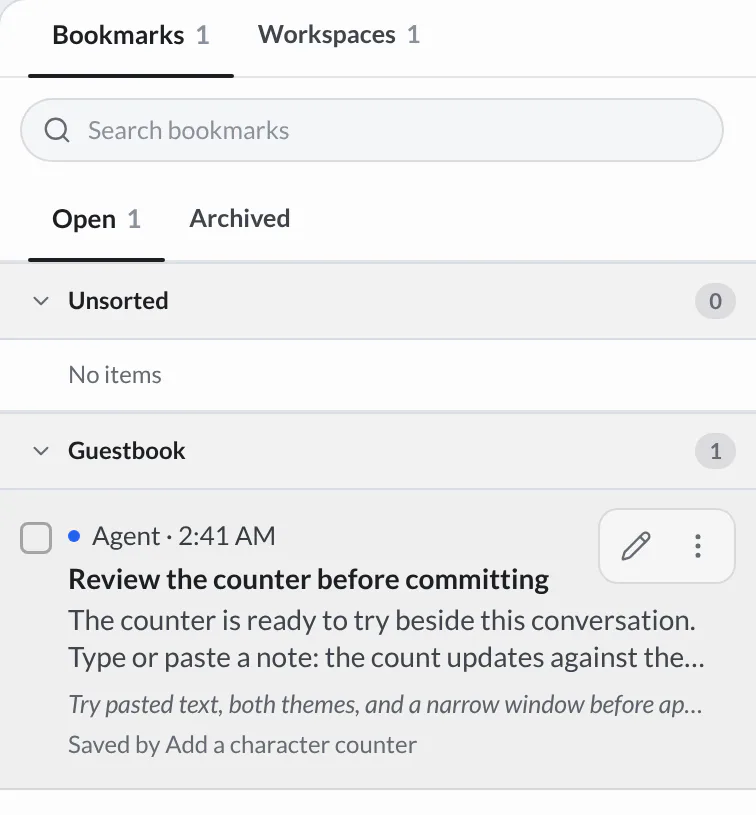
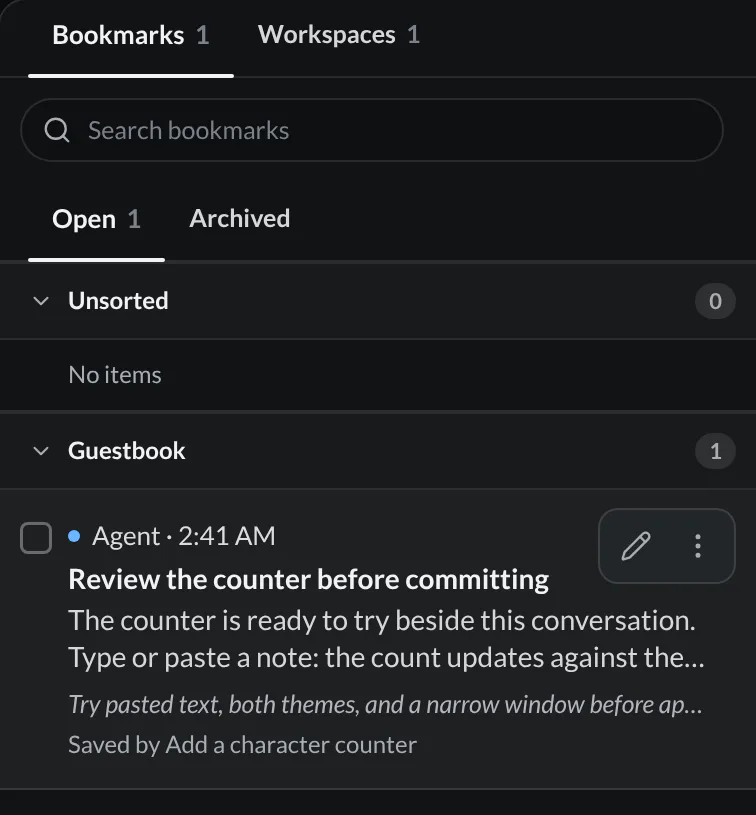
A bookmark is Open or Archived. Keep the items you return to often in Open. A row shows Edit and More actions when you point at it. More actions offers Archive, which keeps an item for reference without keeping it in Open, and Delete. On the Archived tab, Unarchive returns an item to Open.
Search matches titles, source content, and notes within the selected tab. If an item seems missing, check Archived too. Removing a bookmark moves it to Trash; it does not delete the source conversation, command, or file.
Bookmarks follow the code
A code bookmark saves the selected text and its inclusive line range. Create one from the selection popover, beside Copy and Add to chat. Hover an underlined line to see the title, note, and folder, or use Edit bookmark and Delete bookmark on its card. The underline and card are available in code panes on desktop and the browser IDE, not hob mobile.
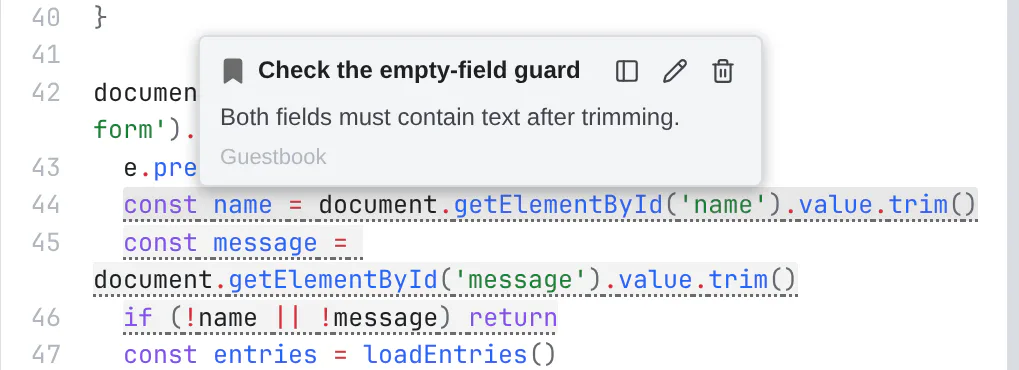
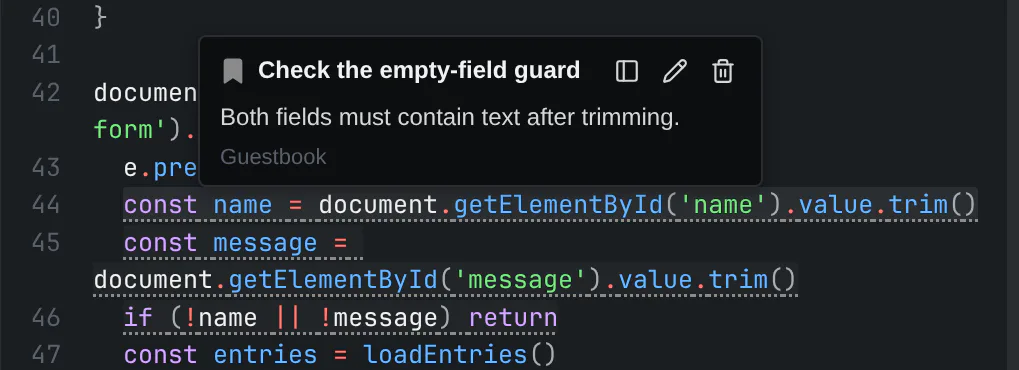
After edits, hob first looks for the exact saved text nearest its original line. For a range, it can also match the first and last lines when the middle has changed. It checks the displayed document, including unsaved edits. Selecting the bookmark in Saved opens the file and pulses the resolved range. The row shows the source range and a preview of the text you saved.
If the content cannot be found, the Saved row shows (unresolved). The file opens without jumping, and hob reports “Bookmarked content could not be found in this file.” You can edit the title, note, or folder, or remove the bookmark. There is no re-anchor control: opening or editing bookmark metadata never rewrites its saved text anchor. Older bookmarks that have no saved text use their original line number only.
Bookmark underlines are your saved references. Agent annotation pins
carry the agent's notes on a surface; the two have separate cards and lifecycles.
Agents read and organize bookmarks with hob bookmark; hob pane view does
not include bookmark markers.
Workspace snapshots
Save a workspace when you have an arrangement worth reusing: an agent beside the guestbook preview, for example. Open the workspace tab's menu or its row menu in Home, then choose Save workspace. Name it Build and review, with an optional note and folder. Names must be unique within the project.
In Saved → Workspaces, select the snapshot row to open it. If a linked workspace is already open, hob can take you there or restore its saved arrangement in place when the layout differs. Saved workspaces also have Open and Archived tabs. Use More actions → Archive for a layout you rarely use; you can still open it from Archived. Delete moves the snapshot to Trash.
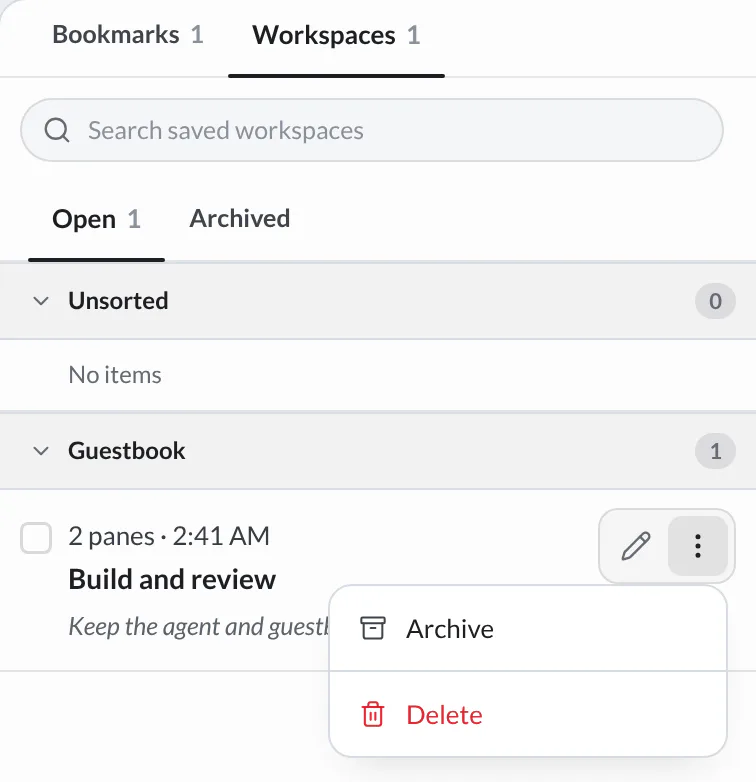
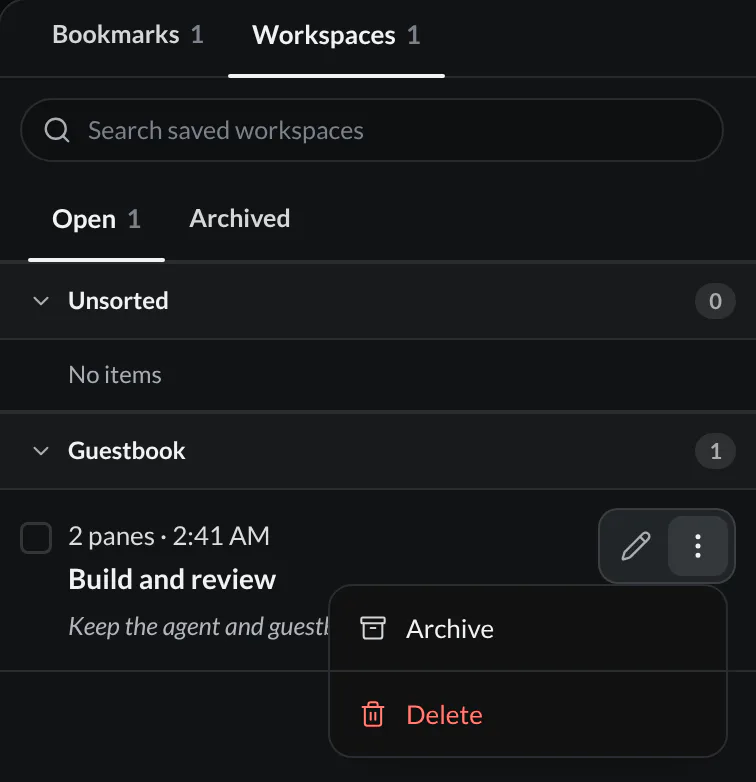
A snapshot tied to a closed worktree restores once you reopen that preserved worktree. A snapshot tied to a deleted worktree cannot restore. See Close or delete a worktree.
A snapshot captures one workspace's grid and its pane references, not the Dock or every placement those panes have elsewhere. A pane can appear in more than one workspace; restoring its snapshot preserves its other placements. Review the confirmation when saved panes are already open elsewhere, when panes are missing, or before resetting a layout that has extra panes.
Missing file and web panes can reopen their targets; a recreated terminal starts a fresh shell. If an agent conversation is gone, its slot opens empty. Snapshots do not recover deleted conversation content or roll back project files.
Use Edit for the snapshot's name, note, and folder. For a linked live workspace, Update Saved Layout captures its current arrangement. This is separate from hob automatically remembering your live workspaces. Move to Trash removes the saved snapshot from this list.
Organizing Saved
Bookmarks and workspace snapshots have separate searches and folder trees. Right-click empty list space to create a folder, then drag items into it or select several items and choose Move to folder. Folders can be nested, renamed, or dissolved into their parent without discarding the saved items.
Start with a few purposeful folders, such as Guestbook or Release review. Use bookmark status to distinguish unfinished work from reference; folders can then describe the topic instead of duplicating that status.
For agents
An agent can bring Saved into view and save or restore workspace layouts with the hob CLI. Ask it to preserve a useful working arrangement before starting the next task. You see the named layout in the same Workspaces tab.
hob open panel bookmarks
hob workspace save --name "Build and review" --note "Agent and guestbook preview"
hob workspace saved
hob workspace restore "Build and review" --focus
An agent should read any restore warning before proceeding. --confirm allows
reuse of panes already placed elsewhere; --reset restores the saved layout
in an already-open linked workspace. These are explicit choices, not default
flags to append to every restore.
For an individual moment, use the bookmark controls above. Agents can also recover a past turn and point you to it without requiring you to search the transcript yourself.